iPhone Charging Port Repair in Berkeley, CA
Is your iPhone not charging, charging intermittently, or only charging when the cable is positioned a certain way? At Berkeley Phone Repair by Hi-Tek Communications, we help diagnose iPhone charging problems and explain your repair options. Visit our Berkeley location or call or text us for a personalized quote.
On a computer?
- Not charging
- Loose connection
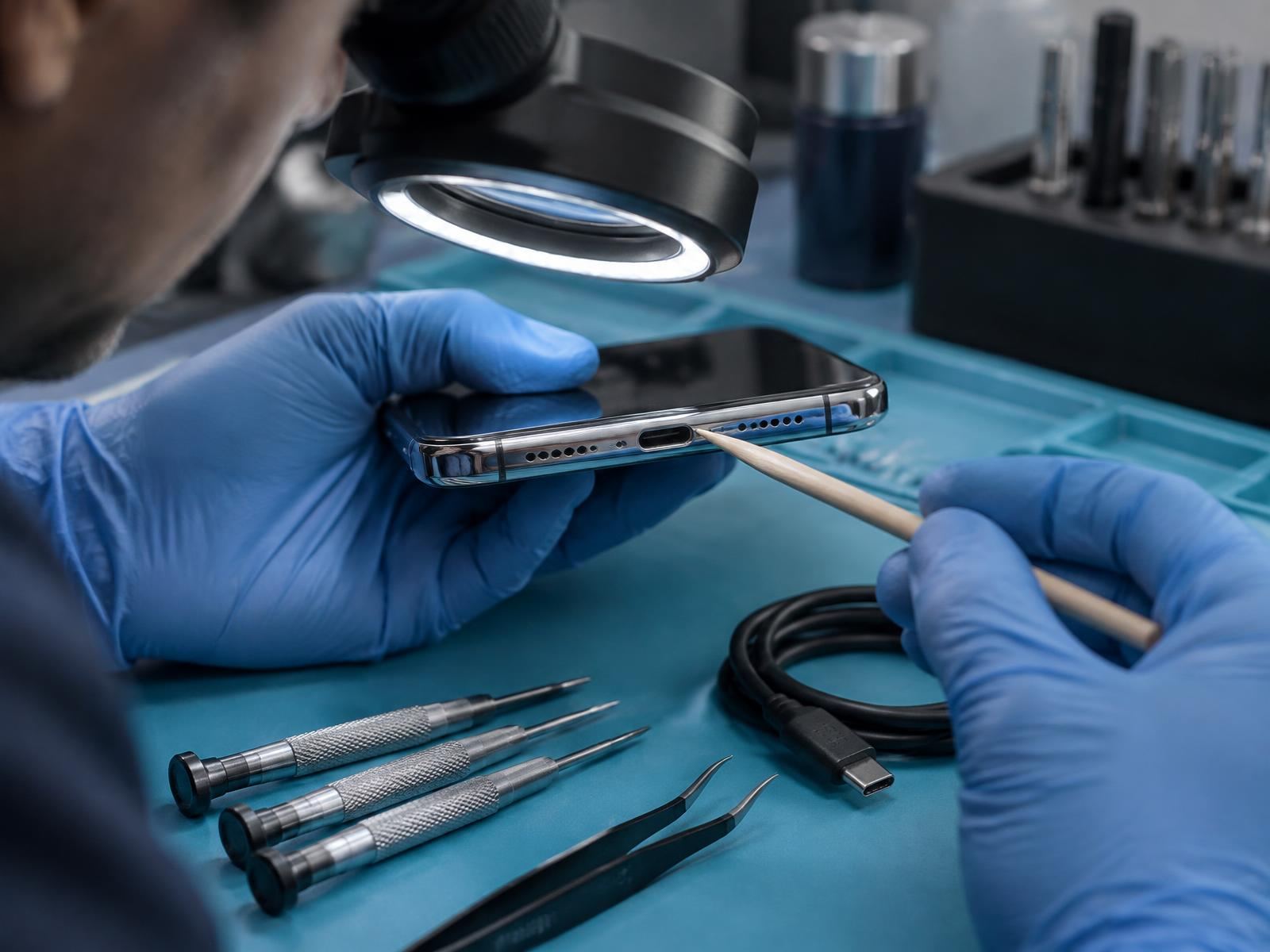
- Port inspection
Common charging problems
Signs Your iPhone Charging Port May Need Repair
Charging ports take wear every time you plug in. These are the signs that most often point to a port problem.
iPhone Not Charging
Your iPhone doesn't respond when connected to a charger.
Charging Only at Certain Angles
You have to move or hold the cable in a particular position.
Loose Charging Connection
The charging cable doesn't fit securely or disconnects easily.
Intermittent Charging
Your iPhone repeatedly starts and stops charging.
Slow or Unreliable Charging
Charging takes longer than expected or works inconsistently.
Visible Port Damage
The charging connector looks bent, corroded or physically damaged, or debris is stuck inside the port.
Not always the port
Charging problems don't always mean the charging port needs replacement. Faulty cables, charging adapters, debris, batteries or other device issues can also cause charging problems. We'll help determine the appropriate next step.
Charging port repair
Quality iPhone Charging Port Repair
At Berkeley Phone Repair, we help customers with iPhone charging problems, including loose charging connections, damaged charging ports, and phones that won't charge properly.
Before recommending a charging port replacement, it's important to identify what is causing the problem. Sometimes the issue involves debris inside the port, a charging accessory, the battery, or another internal component.
Repair options depend on your iPhone model and the condition of the device. Contact us with your model and a description of the problem, and we'll explain the available options and provide a personalized quote.
Find the cause first
Cable, charger, debris, battery or port — we help narrow down what's behind the problem.
Options before you decide
We go over the available options and pricing before any work begins.
Done at our Berkeley shop
Charging port repairs are handled at our University Avenue storefront.
Choose your iPhone
iPhone Charging Port Repair by Model
Pick your series, then tap your exact iPhone. We'll fill in the repair finder with your model and Charging Port Repair so you can text or call for a quote. Repair options and parts availability vary by model, and some charging problems need an inspection first.
iPhone 17 Series charging port repair
iPhone 16 Series charging port repair
iPhone 15 Series charging port repair
iPhone 14 Series charging port repair
iPhone 13 Series charging port repair
iPhone 12 Series charging port repair
Older iPhone Models charging port repair
Don't see your iPhone? Choose “Model not listed” in the repair finder below and tell us what you have. iPhone is a trademark of Apple Inc.
Get your charging port quote
Find Your Charging Port Repair Quote
Apple and Charging Port Repair are already selected — just choose your iPhone. We'll write the text for you, and nothing is sent until you press send.
Step 1: Select device brand
Step 3: Select repair type
Screen, battery or camera problem? See all iPhone repairs
Samsung, Pixel, iPad or laptop? Use the homepage repair finder
How it works
How to Get Your iPhone Charging Port Repaired
We don't post one price for every iPhone — your quote depends on your model and the repair your iPhone needs. Here's how to get yours.
- Step 1
Select Your iPhone
Choose your exact model from the list or repair finder.
- Step 2
Call or Text for a Quote
Tell us what your iPhone is doing when you plug it in. We'll discuss repair options, pricing, and availability.
- Step 3
Visit Our Berkeley Store
Bring your iPhone to Hi-Tek Communications at 1008 University Avenue, Berkeley, CA.
Visit & contact
Visit Our Berkeley Charging Port Repair Location
Charging port repairs are done at the Hi-Tek Communications storefront on University Avenue. Text or call first so we can confirm parts availability for your iPhone.
Berkeley Phone Repair
By Hi-Tek Communications
1008 University Avenue
Berkeley, CA 94710
Phone: (510) 575-4408
Email: hitekberkeley@gmail.com
Business Hours
- Monday–Friday
- 10:00 AM – 6:30 PM
- Saturday
- 10:30 AM – 6:00 PM
- Sunday
- Closed
FAQ
iPhone Charging Port Repair Questions
Answers about iPhone charging problems, charging ports and what to expect at our Berkeley shop.
Why is my iPhone not charging?
Charging problems can come from a damaged charging port, debris, a faulty cable or adapter, battery issues, or internal hardware problems. The cause may need to be checked before recommending a repair.
Can an iPhone charging port be replaced?
Charging port repair or replacement is possible on many iPhone models. The available repair options depend on the model and the nature of the problem.
Why does my iPhone only charge at an angle?
This can happen when the charging connection is loose, obstructed, or damaged. A worn charging cable can cause similar symptoms.
Can dust or lint stop an iPhone from charging?
Yes. Debris inside the charging port can interfere with the connection. Avoid inserting sharp or metal objects into the port because they can cause damage.
Do you repair both Lightning and USB-C charging ports?
We help assess charging problems on iPhone models with Lightning and USB-C connectors. Repair availability depends on the specific model and issue.
How much does iPhone charging port repair cost?
Pricing depends on your iPhone model and the repair needed. Call or text us with your model and charging problem for a personalized quote.
Do I need an appointment for charging port repair?
Contact our Berkeley shop to confirm availability and the best time to bring in your iPhone.